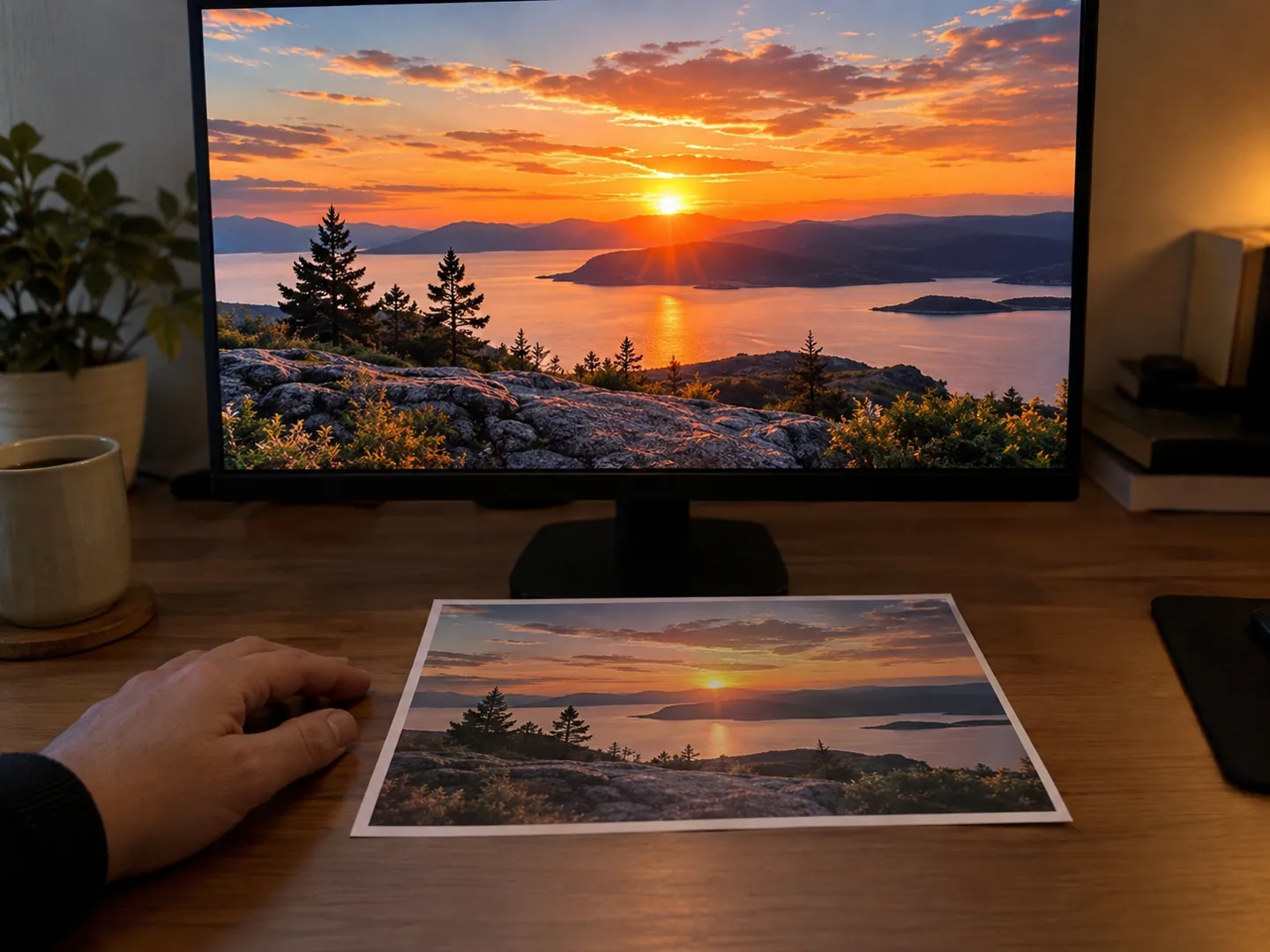
Your screen and your printer mix colour in opposite ways.
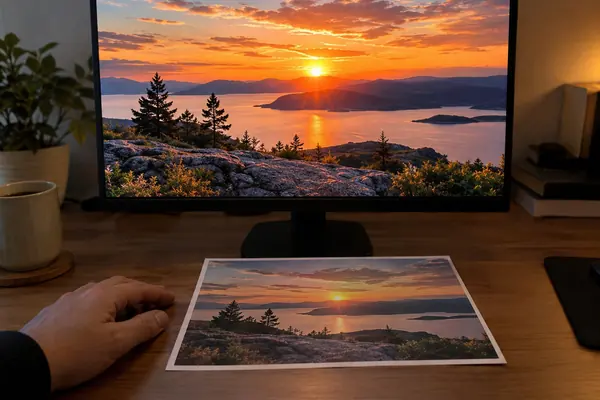
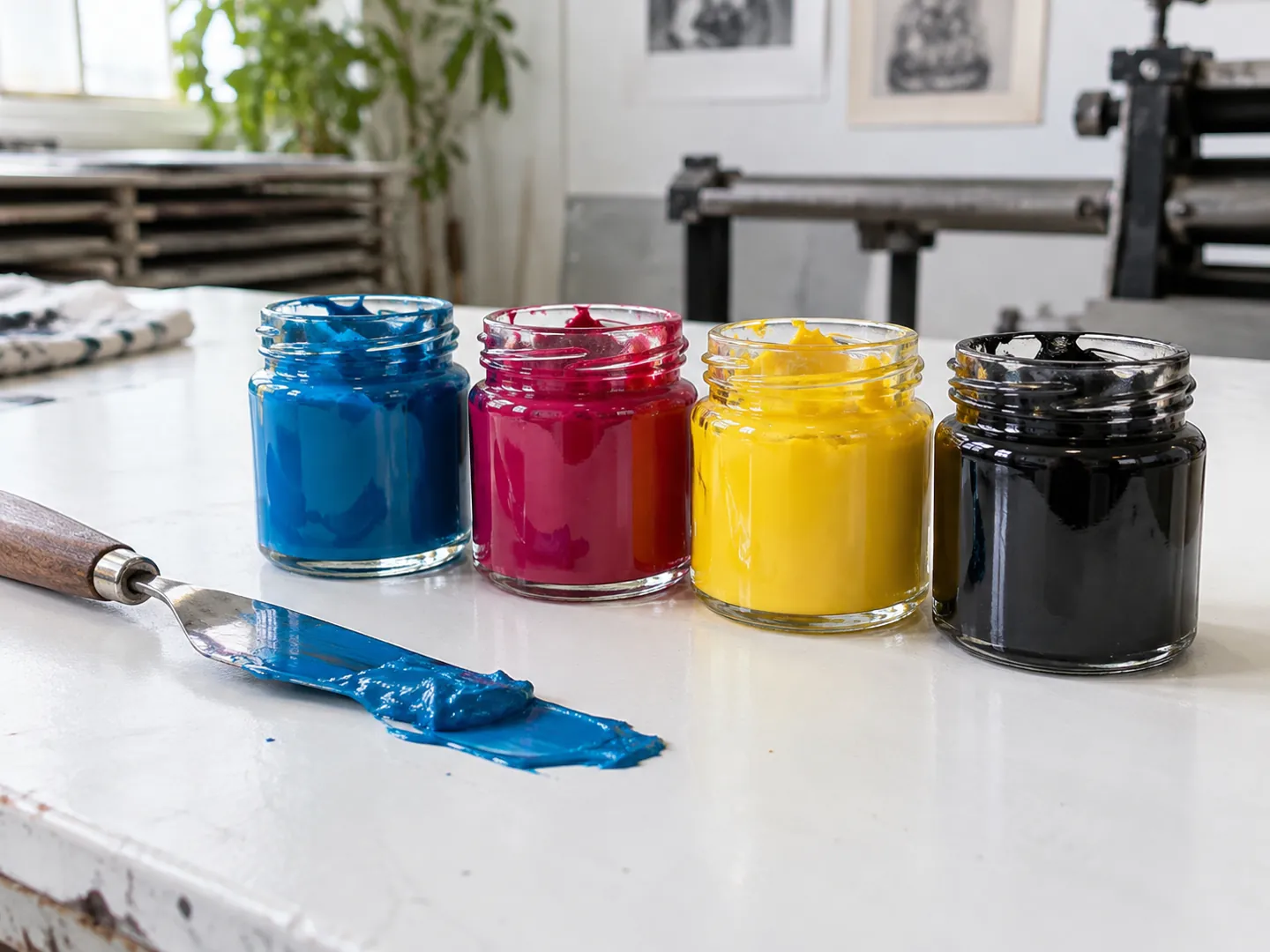
A screen glows with red, green and blue light that adds up to white. A print starts with white paper and uses cyan, magenta and yellow ink to subtract light, with black added for depth. Tiny dots of different sizes do the rest.
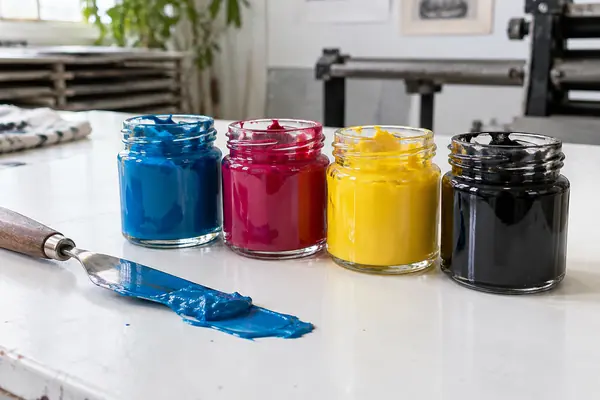
These are the subtractive primaries. Overlapped in equal mixture they subtract all the light, giving black. Printers add a fourth ink, black, for contrast.
Pick a dot area to see how a halftone turns it into a tone. The bar shows how much of the paper is covered with ink.
Based on the SAA Dictionary entry on halftone and Maureen Stone's Notes on Color Printing.
TWO NUMBERS WORTH KNOWING
Fine dots, limited ink.
From printing course notes written for the computer graphics conference SIGGRAPH in 1987.
133–150 dots/inch
Typical halftone screen for magazine printing
Stone's notes say dot spacing sets an image's sharpness, with 133 to 150 dots per inch typical for magazine-quality offset printing.
SCREEN FREQUENCY · STONE 1987
280%
Maximum total ink coverage recommended
Four solid inks would be 400%. To keep paper from getting too wet on high-speed presses, the SWOP standard recommends a maximum of 280%, so black replaces some of the coloured inks.
INK LIMIT · SWOP
To avoid patterns forming between colours, each ink's dots are set at a different angle. Stone gives typical screen angles of 105, 75, 90 and 45 degrees for cyan, magenta, yellow and black.
FOUR THINGS TO TRY
See the dots for yourself.
You can check all of this with a printed magazine, a magnifying glass and your screen.
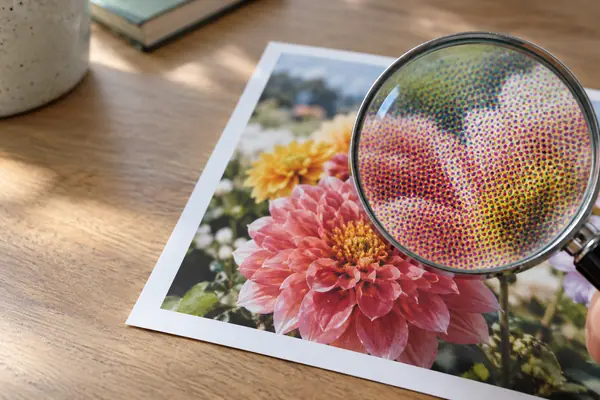
Look closely at a printed photo
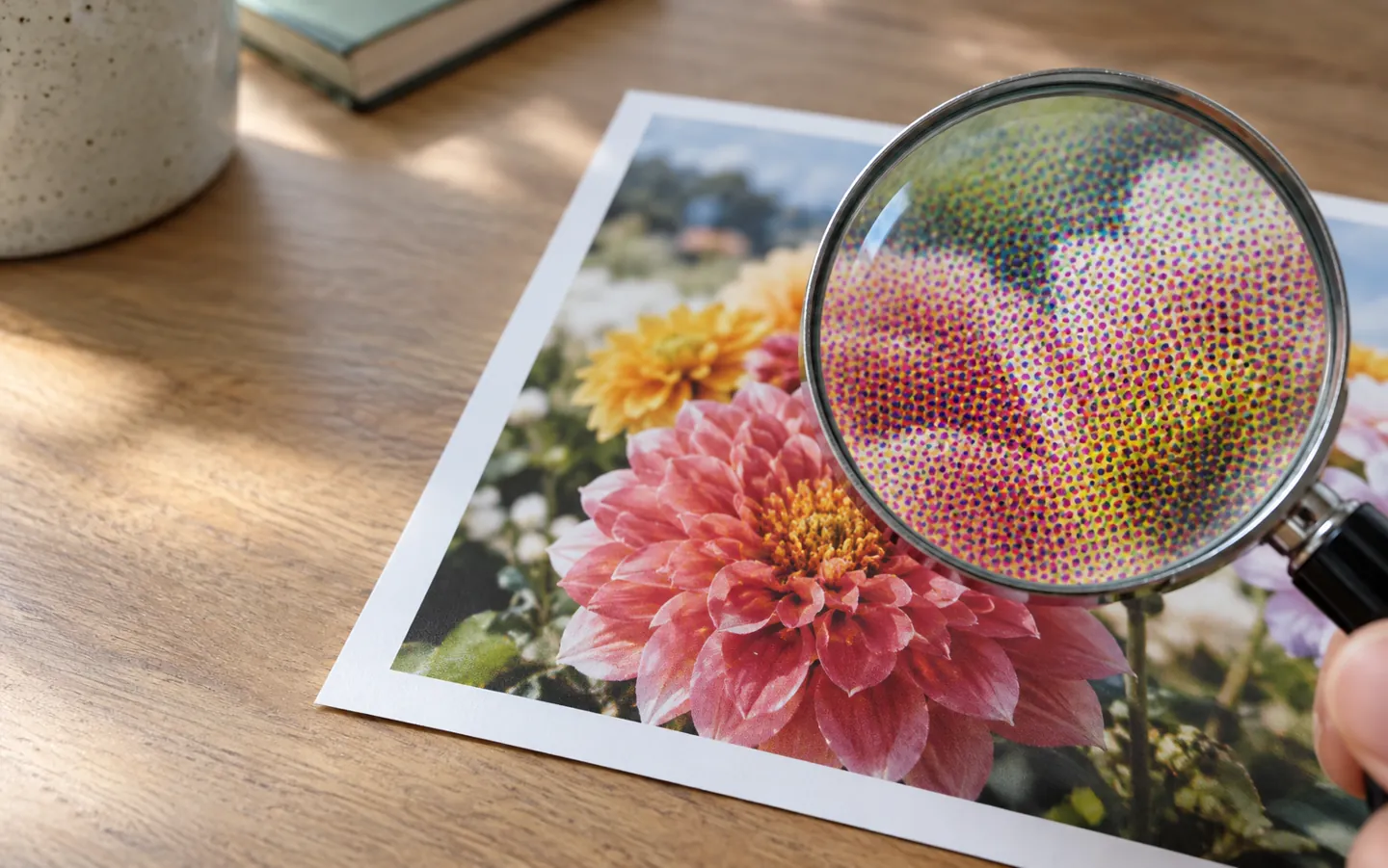
Under a magnifier, a colour picture breaks into dots of cyan, magenta, yellow and black of different sizes.
Find a light and a dark area
Light areas show small, scattered dots and bare paper; dark areas show large dots that run together.
Compare a grey patch
Stone notes that equal amounts of the three inks do not usually make a neutral grey, so printers adjust the mix.
Hold the print by the screen
The screen glows with light it adds; the print only reflects the light its inks have not absorbed. The two mix colour in opposite ways.
AI-generated image, not a photograph of a real person or place.AI-generated image, not a photograph of a real person or place.
WHY BLACK IS ADDED
The fourth ink does two jobs.
Stone's notes explain that the black separation increases contrast by deepening the dark areas, and replaces some of the cyan, magenta and yellow for economic or mechanical reasons.
Replacing coloured ink with black in this way is called undercolor removal or gray component replacement. It also helps keep the total ink within limits such as SWOP's recommended 280%.
Questions
Questions people ask
Why does my print look different from the screen?
A screen makes colour by adding red, green and blue light, while a print uses cyan, magenta and yellow ink to subtract light from white paper. The two systems mix colour in opposite ways.
What does CMYK stand for?
Cyan, magenta, yellow and black. The first three are the subtractive primaries; black is added to increase contrast and to replace some coloured ink.
What is a halftone?
A way of printing many shades with one ink by using dots of different sizes. Dark areas have many large dots, light areas few small dots or none.
Why not just mix cyan, magenta and yellow for black?
Equal amounts of the three should subtract all light, but in printing they rarely give a true neutral. Black ink adds contrast and lets printers use less total ink.
Why are the dots set at angles?
To minimise interference between colours. Stone's notes give typical angles of 105, 75, 90 and 45 degrees for cyan, magenta, yellow and black.